Categories
Blogs Domain

Who Issues Domain Names?

Multiple institutions and organizations work hand in hand to keep a healthy, streamlined network of domain names. For example, domain registrars help clients register domain names, while registry operators are responsible for tracking each domain name categorized per domain extension. 

However, the institution spearheading the global domain management system is the Internet Corporation for Assigned Names and Numbers (ICANN). They are a nonprofit organization that accredits legitimate domain registrars, manages root servers, and oversees IP address and domain assignment. 

What Is a Domain Name?

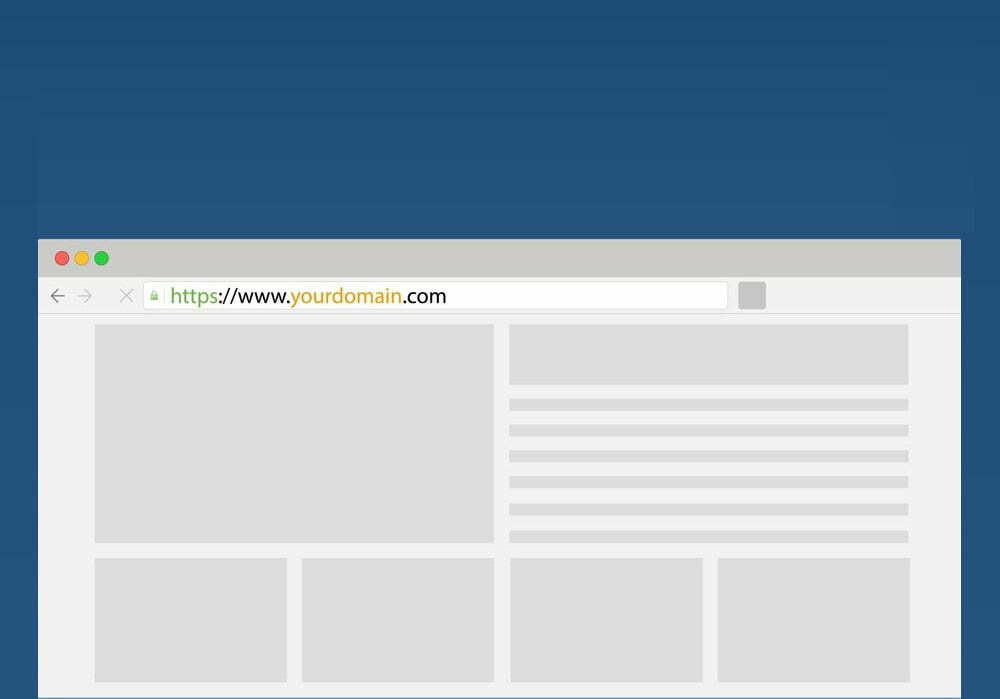
Domain names consist of a string of unique alphanumeric codes that serve as a site’s physical address. Users access various websites through domain names. For example, in https://www.pagekits.com/, ‘pagekits’ acts as the subdomain. Meanwhile, HTTPS, www., and .com are the protocol, subdomain, and domain extension, respectively.

Choosing a Domain Registrar

The most crucial factors to consider when looking for domain registrars include: 

1. ICANN Accreditation

Avoid work with shade resellers and agents who do not have any form of ICANN accreditation.

2. Pricing

Cheaper isn’t always better, but it wouldn’t hurt to work with a legitimate, ICANN-accredited registrar with affordable services.

3. Registration Period

How long will your registration contract last, and what stipulations come with the agreement?

4. Transfer Policies

As much as possible, avoid sketchy registrars that lock in their clients with lengthy, binding contracts and insanely high domain transfer fees.

5. Add-On Features

Most domain registrars offer add-on services, such as email hosting, website hosting, and email marketing assistance.

Note: Be careful when paying your domain registrar. Some disreputable registrars trick unsuspecting clients with fake invoice records. To avoid these issues, always double-check your invoices before making a payment and make sure they contain the correct information.

Build your website in less than a day! Page Kits has multiple guides comparing the simplest, most streamlined website builders for beginners. Check out our on article website builders to learn more!

Tips on Choosing Your Domain Name

Make It Unique

Statistics show that the internet currently has nearly 1.2 billion websites. Having a unique domain name to represent your brand will help you separate your site from the rest.

Keep It Short

Let’s face it; nobody remembers lengthy domain names.

Avoid Hyphens

Users associated hyphens with spammy domain names, so avoid them.

Overall, users can choose from dozens of different registrars. Feel free to explore your options to see which systems offer services that address your site’s individual needs and demands. Do not limit yourself to just one or two choices.

Having trouble grasping the concept of registering a domain name? Page Kits helps beginners learn how to build a website quickly and efficiently. Learn more about domain names here.

Categories
Domain

How To Change Your Domain Name On Squarespace

A domain name is your website’s address on the internet. It’s what people will type in to find your site, and it’s a big part of your brand identity. That’s why it’s crucial that before registering your domain name, you are 100% satisfied with it. 

If you’re unhappy with your current domain name or need to change it for any reason, you can do so easily on Squarespace. 

Things You Need To Know Before Changing Your Domain Name

You may want to change your Squarespace domain name for many reasons. It can be misspelled, or it’s not the right name to reflect your business. Whatever your reasons are, you need to keep these factors in mind before changing your domain name. 

  • You can only change the domain name five days after registration. After this period, the domain name is permanent.
  • You cannot change the primary domain. You need to set a new environment as primary first.
  • Renaming a domain name involves canceling the existing one and then registering the new domain name. 
  • If your domain extension is a country code top-level domain like .us, .uk, or similar, you can’t change it. 

Steps To Change Domain Name On Squarespace

  1. Log in to Squarespace and go to Home. Click on Settings > Domains. Cancel the domain immediately. 
  2. Look for the domain you want to rename. 
  3. Click Cancel Domain. 
  4. Wait for the refund to arrive. According to Squarespace’s refund policy, you can get a refund if you cancel the domain within the five-day grace period. If you cancel a free domain that came with the subscription, you won’t get a refund, but you can register another free domain.
  5. Register for a new domain. Go to Home > Settings > Domains > Get Domain.
  6. Type the domain name you want on the search field. Depending on the availability, you will see the following results:
    • Free – you can get the domain as part of the free one-year domain for new accounts
    • $20 to $70 – you can purchase the domain for the specified price
    • Unavailable – the domain is not available to be used
  7. Add the domain name to your cart once you’ve verified its availability. 
  8. Go to your cart and click checkout. 
  9. Squarespace protects your privacy by automatically including Whois/Domain Privacy with your subscription. Enter your contact information. This will be used as the registered information for the domain. 
  10. Check that everything is correct, and click Save and continue. 
  11. Review the Terms of Services. 
  12. Click confirm and purchase. 
  13. Check your email. Your bank may ask you to verify the purchase, and Squarespace may ask you to verify your account. Complete the verification within 24 hours. 
  14. Once everything is complete, wait for the confirmation email. You know that your new domain has been registered because it will appear in the Domains panel.

What To Do After Renaming Your Domain Name

Once the new domain name is registered successfully, you need to update the name servers and DNS settings to point to your site. You should also set it as your website’s primary or connected domain. 

Remember that changing domain name has implications for web traffic. You need to make sure that there are redirects to help drive traffic from your old domain to the new one. However, if you change the name of a newly registered part, you don’t need to worry about losing visitors and redirecting site traffic. 

Ensure everything is correct before purchasing it. Domain names are serious matters; always double-check the spelling when registering them. If you accidentally registered a wrong domain, change it quickly before you start promoting it or before it attracts site visitors. 

However, if you are changing an old domain name, ensure you’ve considered all the possibilities and consequences of doing so. Only change the domain name if you are sure that you understand the ramifications and are prepared to deal with it. 

A domain’s backlinks and site authority should be considered when choosing a new domain. If you cancel the domain name, you will stop being the owner. The domain can be bought by someone else. 

Domain names are our unique addresses on the web. Specialized domain names increase in value over time so before changing or canceling one, make sure you no longer need it. Retrieving a discarded domain is tough; if you change a domain name by mistake, it will be harder to return. 

To learn more about managing Squarespace websites, visit the Page Kits blog.

Categories
Domain

How To Transfer A Domain To Squarespace: A Quick Overview

Domain transfers can be a pain, but with the help of Squarespace, they don’t have to be. Squarespace is an all-in-one content management system that makes it easy to register your domain, create your website, and host your content with only a single subscription fee. For this reason, many website owners choose to use Squarespace as their CMS. 

Requirements Before Transfer

To ensure your domain transfers successfully, you need to meet the following requirements:

  • Have access to the domain account’s email address used as the domain administrator
  • The domain’s contact information must not have changed in the past 60 days since this could cause the domain to be locked
  • The site’s TLD (top-level domain) must be part of Squarespace’s approved TLD list
  • Any DNSSEC (domain name system security extension) records must be deleted.
  • The domain must be active and not past due with the current provider
  • The domain must have eight years or less of active registration with the current provider

Ineligible Domains For Transfer

Domains that match the following criteria can’t be transferred to Squarespace:

  • Registry premium domains
  • Subdomains
  • Domains with words “squarespace” or “sqsp”
  • Active domains with nine or more years of registration left

Step-by-Step Process To Transfer Domain To Squarespace

1. Unlock The Domain

Locked domains can’t be transferred. You must first unlock your domain by following the instructions provided by your current domain provider. Contact them if you are unsure whether your domain is locked.

Note: Some domains, like country-specific ones, can’t be locked, so they are unlocked by default.

2. Obtain The Authorization Code

Request for an authorization code from your provider. Some providers have it in their settings and call it “EPP code or transfer key,” while others email it to you. Once you unlock your domain, request the code immediately since some providers take a day or two to release it. 

Once you get it, copy it or keep it safe since you’ll provide this code during the transfer. 

3. Begin The Transfer

Once everything’s completed, go to Squarespace’s Domain panel. In the Home menu, click Settings and go to Domains. Select “Use a domain I own” and enter your full domain name. Click Transfer Domain and input the Authorization Code when prompted. 

Click Save and Continue once done. 

4. Review And Confirm Your Registration Details

Check the contact information in the registration panel and confirm that it’s correct. Squarespace automatically fills these fields with registration information detected from your original registrar’s Whois records.

Update the email address and contact information as necessary. Any updates will be reflected in your Whois records. Click Save and Continue when done.

5. Enter And Review Your Payment Information

Enter your payment information on the next panel. If you already have an account, the card attached is your default payment method. Click Save and Continue to proceed.

6. Review The Order

Check if the details of the order are correct. When you transfer a domain to Squarespace, you’re charged for another year of domain registration at the rate of your TLD. In some cases, you can enjoy free registration.

If all the details are correct, click Confirm and Purchase. A confirmation page will inform you that the transfer has started. Click Done.

7. Check The Transfer Status And Fix Any Issues

Return to the Domains panel and confirm the progress of the transfer. An error message will appear if there’s an issue. Some of the common error messages are:

  • Domain is locked – go back to the current registrar and unlock the domain
  • Authorization code needed – enter the correct authorization code from the current registrar

8. Wait For The Transfer To Be Completed

Domain transfers take time to process but should usually be done within 15 days from the start. If the status is still “Pending Transfer” after 15 days, contact your current registrar for more details. Squarespace doesn’t control the transfer timing and depends on the current registrar to release the domain. 

While waiting, you can check your DNS records and perform some housekeeping. Delete any records you no longer need, and if necessary, add a new custom record for your domain. However, adding new integrations like Google Workspace is not recommended until the domain transfer is complete.

Enjoy The Benefits Of Squarespace’s All-In-One CMS

While you can always just point a domain to a site hosted by Squarespace, it’s better to register your domain with them for easier website management. Squarespace makes it easy to focus on the essential aspects of your website, such as your content and web traffic, instead of worrying about the nitty-gritty of domain registration. 

For more helpful articles about managing websites, check out this article by Page Kits.

Categories
Domain

How Does Domain Registration Work?

Many confuse a domain with a website or website hosting service. A domain name is the address of your website, while web hosting is where files are stored. Think of it like a house. The domain is the physical address, so people know where your home is located, while web hosting is the actual house built on the property where items are kept. 

It’s essential to understand domain registration and how it works in order to launch and maintain a successful website.

What Is A Domain?

When you are ready to launch a website, one of the first things you need to do is purchase a domain name. A domain is a unique address that identifies your website on the internet, helps visitors find your site, and can be used to create a professional email address. 

A good domain name can be valuable for branding and search engine optimization purposes. Choose short, easy-to-remember, and relevant words for your business. Steer clear of funny but hard-to-remember and difficult to spell domain names. Avoid using generic terms that don’t reflect your brand. Remember that the domain name is the first thing people encounter about your site. 

Once you have registered your domain name, you will need to set up hosting to make your site accessible to the world.

How Does Domain Registration Work?

Registering a domain name is quite simple, and it’s the easiest and fastest step when building a website. Of course, you must consider several factors to ensure you don’t end up with a domain you’d regret later on.

Choosing A Domain Name And Domain Extension

First, choose the name you want and make sure it’s available. Various site registrars allow you to check your preferred domain name and offer variations in case what you want isn’t available. Take note that the most commonly used descriptive domain names are already taken. Sometimes, they are just parked, so you must contact the owner to repurchase the name. That’s why injecting some personality or brand is advisable to make your domain name stand out and reduce the chances that other people have already purchased it.

Deciding on a domain name is important. Once you’ve built your site, you can’t simply change a domain name without affecting your site’s visits and confusing your audience. Domains are also like real estate on the web, so grab them immediately when you’ve decided on one. Failing to do so may result in others getting the name ahead of you, forcing you to either settle for a different domain name or purchase the desired domain at a ridiculously high price. 

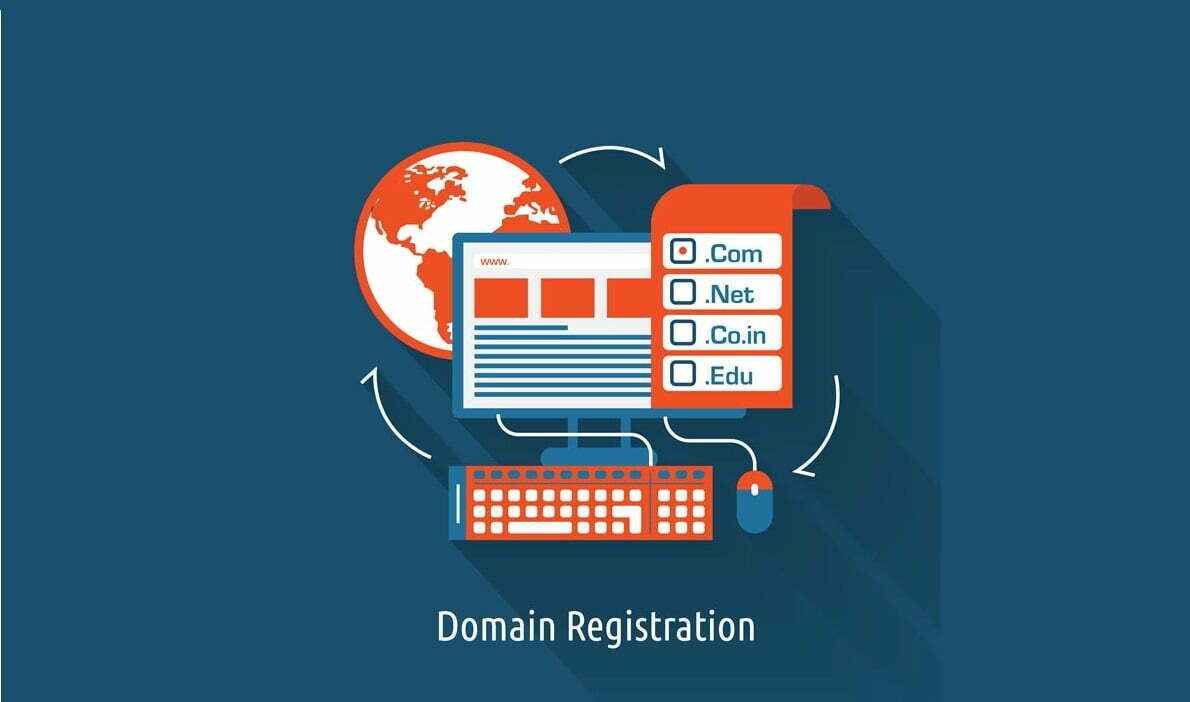
Another thing you should decide on is the domain name extension. The extension is like your site’s zip code — it identifies what kind of site you have. The most common extensions are .com, .org, and .net, but in recent years, you can be as specific as you want with domain extensions. Some descriptive ones are .lawyer, .club, .live, and .work. There are also country-level extensions such as .au, .uk, and .ca available if you are a citizen of that country.

Registering With A Domain Registrar

Once you’ve found an available domain, you can register it with a domain name registrar. A registrar is an organization that manages the reservation of Internet domain names. When registering a domain, you’ll be asked to provide your personal information and pay a small fee. Your registrar will then manage your domain and renew it on your behalf. Most registrars offer discounted plans if you opt to pay for your domain for more than a year. 

You’ll also notice various add-on options when registering a domain name, such as domain privacy, professional email, and an SSL certificate. While these add-ons are optional, some, like domain privacy and SSL, help secure your site from malicious attacks. You’d be better off purchasing them now instead of dealing with attacks in the future. 

Where Can I Register A Domain?

Some popular sites to register a domain name are GoDaddy.com, Domain.com, and Namecheap.com. You can also buy a domain from a web hosting solution like Bluehost, HostGator, and DreamHost. Most of these hosting services offer a free domain name for one year. 

Build A Website By Registering A Domain Today

Building websites are not as complicated as they look. The process starts with a domain name, and registering one is fast and easy. All you need is a good domain name and your credit card to get started. 

By following these simple steps, you can easily register your own domain name. For more articles about creating and managing websites, visit the Page Kits’ blog section.

Secret Link